Creative Studio: Images and Video
Generate and edit e-commerce images or create short product videos in the browser with the models available to your Essevin account.
No API key or terminal required
Sign in and open Creative Studio. This workflow uses your Essevin account directly, so you can skip CC Switch, CLI installation, and API configuration.
Generate a product image
Open Creative Studio and choose Image
Select Image in the composer. Upload a product photo when you want to preserve a real product, or start with text only for a new concept.
Describe the result
Include the product, scene, lighting, composition, and usage channel. For example: White-background hero image of a stainless-steel travel mug, soft studio light, centered composition, realistic product photography, no text.
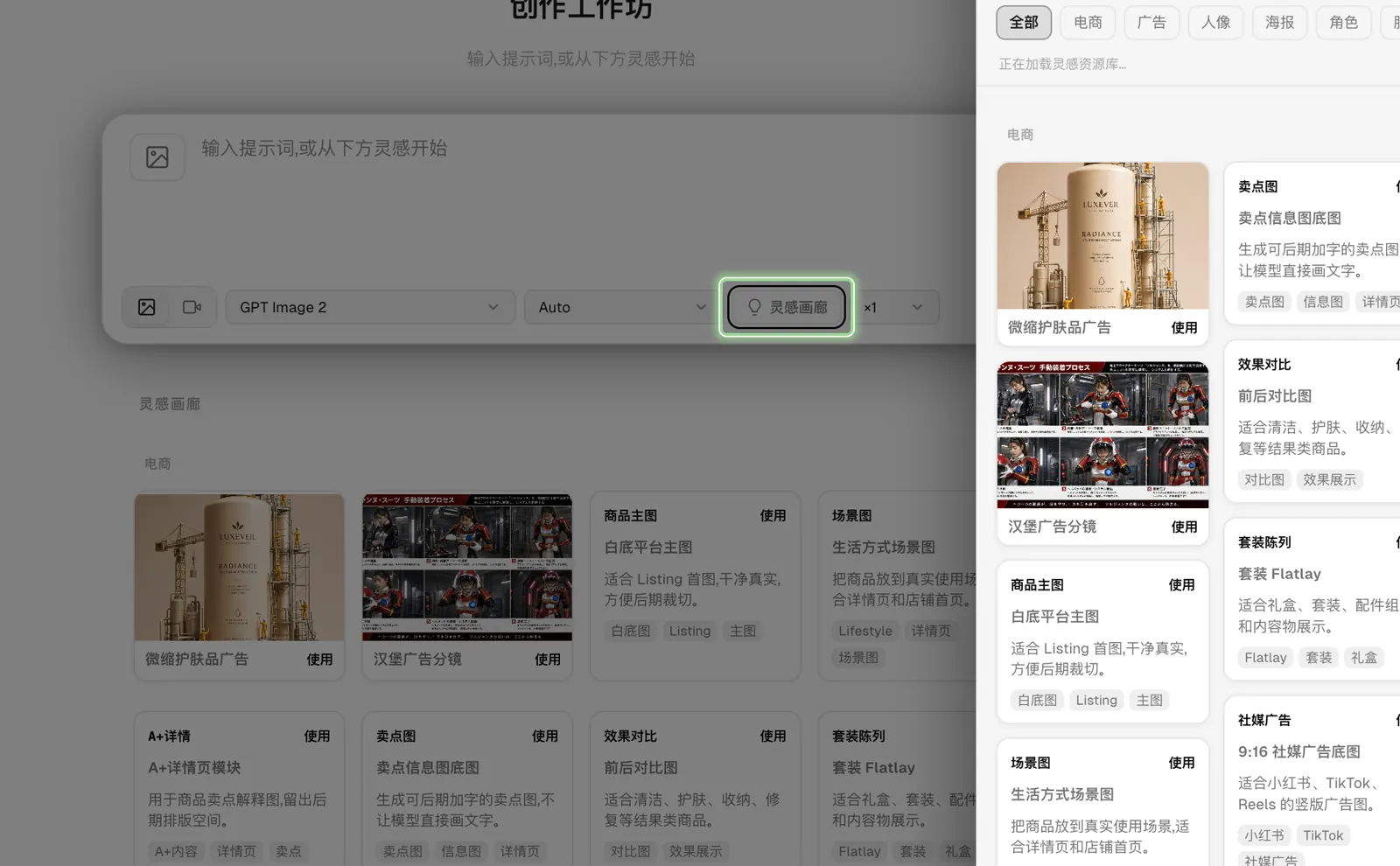
If you do not want to start from scratch, open Inspiration, filter for e-commerce examples, and choose Use on a suitable template. Replace the sample product details before generating.
Choose a returned model and size
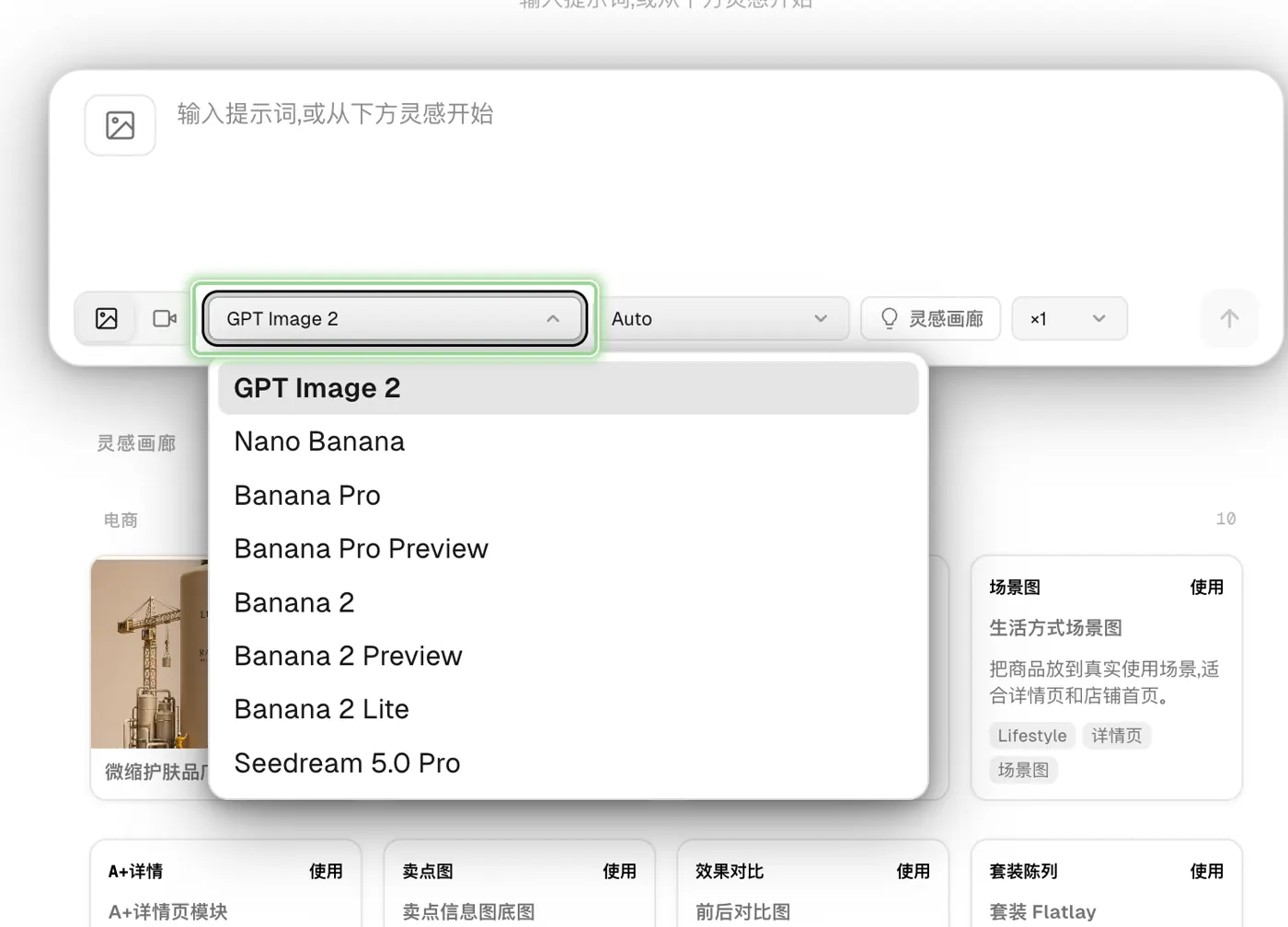
Choose an image model available to the current account, then select the aspect ratio or resolution that matches the destination. Use square for marketplace listings, portrait for social posts, and landscape for banners.
Generate and review
Select Generate. Check product shape, labels, background, and crop before downloading or generating another version.
Create a short product video
Switch the composer to Video
Select Video, then describe the product motion, camera movement, background, and final frame. Upload a reference image when the current model offers image-to-video and the product must remain recognizable.
Confirm the available generation controls
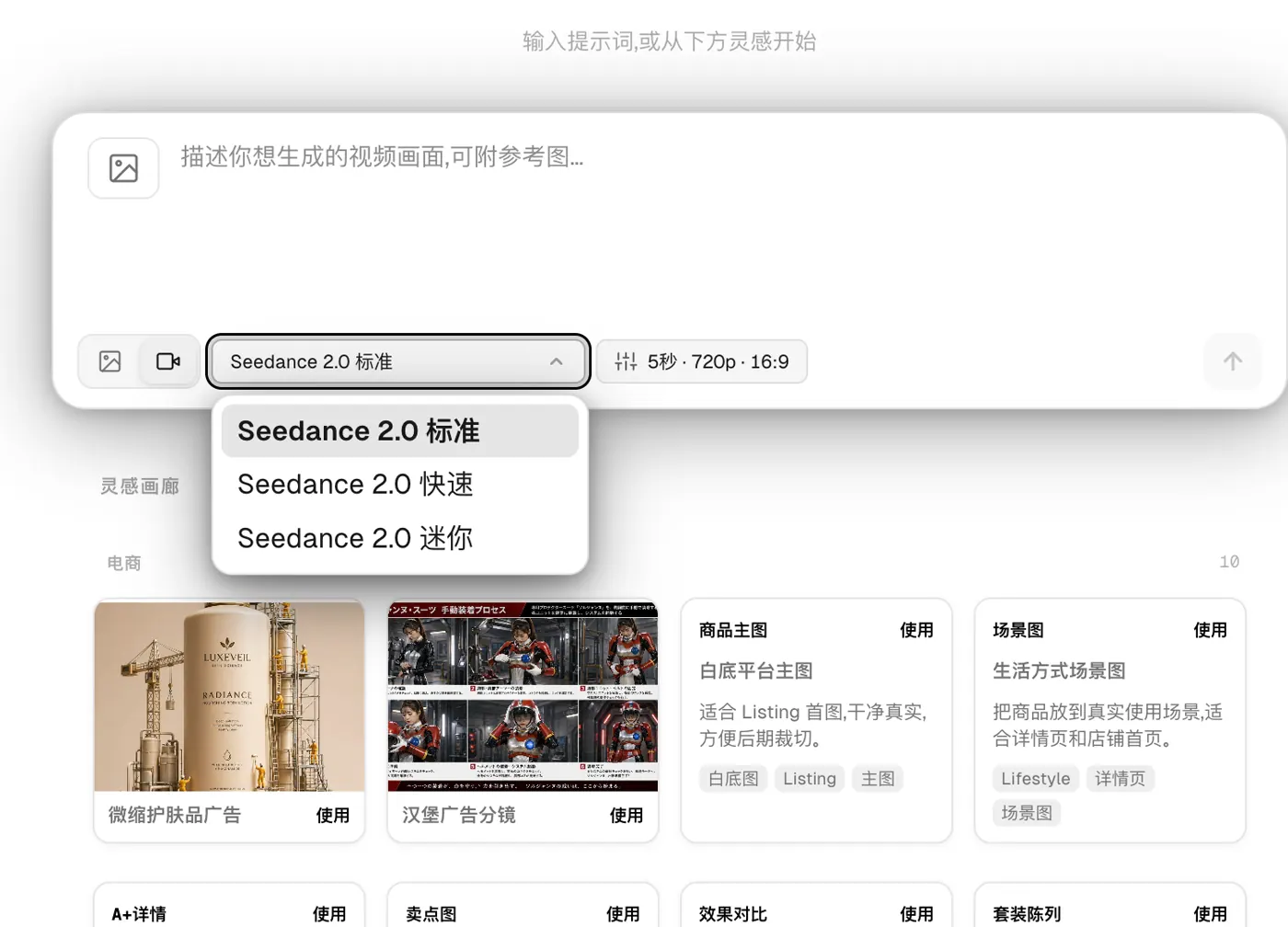
Choose a video model available to the current account. Set duration, resolution, aspect ratio, and audio only from the controls shown for that model; supported combinations differ.
Generate and review the complete clip
Check product shape, labels, motion continuity, the final frame, and any generated audio. Regenerate before publishing when the product changes between frames or important details drift.
Useful e-commerce prompt patterns
| Goal | Include in the prompt |
|---|---|
| Marketplace hero image | Product material, white or neutral background, front angle, shadow style, no text |
| Lifestyle image | Product, target customer, usage scene, time of day, camera distance |
| Social post | Product, campaign mood, portrait or square crop, reserved text area |
Use supplied product details as the source of truth
Generative models can alter labels, logos, packaging, and proportions. Upload a clear product reference when accuracy matters, and review every result before publishing it.